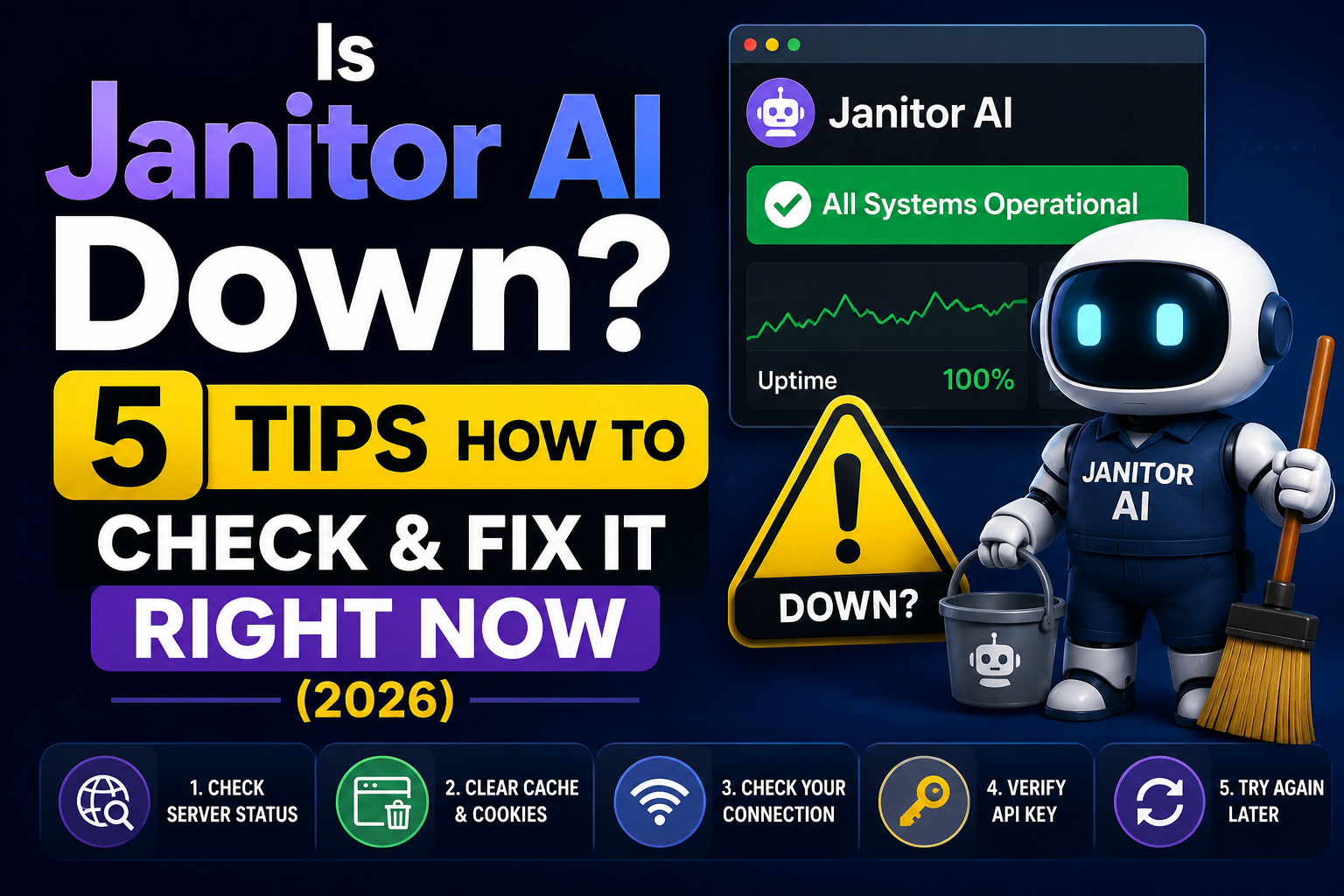
Last updated: June 2026 | Status: Janitor AI is currently operational
You’re mid-conversation with your favorite AI character, and suddenly — nothing. The page won’t load, you’re getting a blank screen, or an error message greets you instead of your chat. Sound familiar? If you’ve been wondering is Janitor AI down, you’re definitely not alone.
Janitor AI goes through periods of downtime and slowdowns, especially during peak hours when server demand spikes. This guide will help you quickly figure out whether the platform is actually down, whether the problem is on your end, and how to fix it — plus what to do if you need an alternative in the meantime.
Before you start troubleshooting your browser or internet connection, the first thing to do is confirm whether Janitor AI is experiencing a real outage or whether the issue is just on your side.
According to third-party uptime monitors, Janitor AI has experienced several short-lived outages in 2026 — including incidents in January and April — though most were resolved within an hour. As of the latest automated checks, the platform is operational globally, but individual users can still run into issues due to regional disruptions or API limitations.
How to check Janitor AI server status yourself
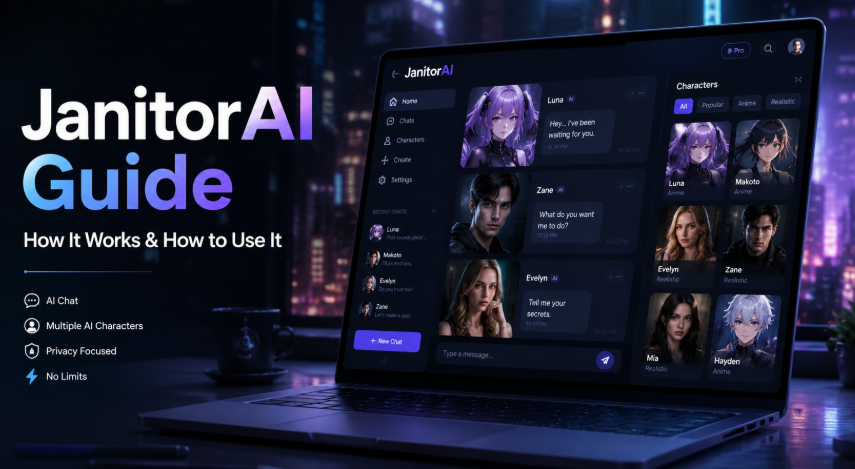
There are a few quick ways to confirm the current status:
- Visit a live status tracker. Sites like UptimeRobot, StatusGator, and Toolify.ai monitor Janitor AI continuously and update every few minutes. Search “Janitor AI status” and you’ll find real-time results.
- Check social media and Reddit. When Janitor AI goes down, users flock to Reddit and Twitter/X almost immediately. Search “Janitor AI down” on either platform and you’ll see recent posts within seconds if there’s a real outage happening.
- Try accessing janitorai.com directly. If the page won’t load at all, that’s a strong signal of a broader issue. If it loads but features are broken, it may be a partial outage affecting only the API layer.
It’s worth knowing that Janitor AI can have a partial outage — where the main website loads but the AI responses aren’t working — because the platform relies on external API providers. So even if the homepage appears, the chat functionality could still be down.
Common Reasons Janitor AI Is Not Working
If the status trackers show Janitor AI is up but you’re still having trouble, the issue likely falls into one of these common categories.
Server overloads and high traffic
Janitor AI is a popular platform, and during peak times — evenings, weekends, or right after a viral moment on social media — the servers can get overwhelmed. You might see slower-than-usual response times, messages failing to send, or conversations cutting off unexpectedly. This is temporary and usually resolves on its own within minutes to a few hours.
Janitor AI internal server error explained
One of the most commonly reported problems is the dreaded “internal server error” message. This typically happens when the platform’s backend encounters an unexpected failure — often triggered by high demand, a software bug following a recent update, or a disruption in the API connection. If you’re seeing this, it’s almost certainly not your fault, and refreshing the page a few times or waiting 10–15 minutes usually does the trick.
API key issues causing access problems
Janitor AI relies on external API keys (commonly from OpenAI or similar providers) to power its conversations. If your API key has expired, hit its usage limit, or been entered incorrectly, you’ll lose access to the chat functionality even when the rest of the platform is working fine. This is a very common cause of “Janitor AI not working” complaints that aren’t actually outages at all.
If you want a deeper understanding of how Janitor AI’s API integration works and how to set it up properly, our complete Janitor AI guide for 2026 walks through the whole process in detail.
Is Janitor AI Down for Everyone or Just You?
This is the key question to answer before you spend time troubleshooting. A platform-wide outage and a local connectivity issue look identical from where you’re sitting, but the fix is completely different.
How to isolate a local vs. global outage
If the status trackers show Janitor AI is up and other people aren’t reporting problems, the issue is almost certainly local. Here’s how to quickly test that:
- Ask a friend or family member to try accessing Janitor AI from a different device and network.
- Try accessing the site from your phone using mobile data (not Wi-Fi) — if it works there, your home network may be the culprit.
- Use a free online tool like “Is It Down Right Now” to run a check from multiple global servers.
If those tests show Janitor AI loads fine elsewhere, you’re dealing with a local issue. Keep reading for the fixes.
Browser and network checks to run first
Before diving into more complex troubleshooting, rule out the basics. Check that your internet connection is stable by loading a few other websites. Make sure you’re not behind a school or workplace firewall that might be blocking AI platforms. And double-check that your VPN (if you use one) isn’t routing traffic through a region where Janitor AI has restrictions.
How to Fix Janitor AI Not Loading Today
If the platform is up globally but you’re still stuck, these are the most effective fixes — in order of how often they work.
1. Clear your cache and cookies
Corrupted cached data is one of the most common reasons a website stops loading properly for a specific user even when everything is fine server-side. In Chrome, go to Settings → Privacy and Security → Clear Browsing Data, check “Cached images and files” and “Cookies,” then clear and restart the browser. Try Janitor AI again — this alone resolves the issue for a large number of users.
2. Try a different browser or device
If clearing the cache doesn’t help, try opening Janitor AI in a completely different browser. If you’re on Chrome, try Firefox or Edge. If you’re on desktop, try your phone. This quickly tells you whether the problem is browser-specific.
3. Disable VPN or browser extensions
VPNs can cause access issues, especially if your exit node is in a region with restrictions or heavy traffic. Disable your VPN temporarily and try again. Ad blockers and privacy extensions can also interfere with how certain platforms load — try disabling them on Janitor AI’s domain.
4. Re-enter your API key
If you’re getting into the platform but conversations aren’t working, head to your account settings and check your API key. Make sure it’s still valid, hasn’t expired, and is entered correctly with no extra spaces. If it’s an OpenAI key, log in to platform.openai.com to verify your usage limits and billing status.
For a full walkthrough on setting up Janitor AI correctly from the start, including API configuration, visit our how to use Janitor AI guide — it covers every step in plain language.
5. Wait it out
Sometimes, especially during confirmed outages, there’s simply nothing to do but wait. Most Janitor AI outages resolve within 30 to 60 minutes. Set a timer, check back, and avoid refreshing obsessively — it won’t speed things up.
Best Janitor AI Alternatives When It Goes Down
If you need to keep chatting and Janitor AI won’t cooperate, these alternatives are worth bookmarking.
Character AI is the most mainstream option, with a huge library of community-built characters and a generally stable platform. It’s a bit more restrictive with content compared to Janitor AI, but it’s reliable and free to use.
Perchance AI has gained popularity as a lightweight, browser-based alternative that doesn’t require an account. It’s simpler but responsive when other platforms are struggling.
Crushon AI is another solid pick, particularly for users who want fewer content restrictions. It’s grown quickly in 2026 and tends to stay online even during periods when Janitor AI is struggling.
Want to understand how Janitor AI stacks up against alternatives in terms of features? Our full Janitor AI overview covers the platform’s strengths and how it compares to the competition.
Frequently Asked Questions
1. Is Janitor AI down right now?
As of the latest automated checks, Janitor AI appears to be operational. However, occasional user reports may indicate temporary access issues in specific regions. To verify the platform’s current status, check reliable uptime monitoring services or community forums for real-time updates.
2. Why is Janitor AI not working today?
Janitor AI may stop working due to server overload, maintenance activities, API key issues, browser-related problems, or temporary backend errors. If the issue only affects your account, try refreshing the page, clearing your cache, or checking your API configuration.
3. How do I check if Janitor AI is down?
You can check Janitor AI’s status using online uptime monitoring tools, outage tracking websites, or social media platforms where users report service disruptions. Searching for “Janitor AI down” can also help you determine whether others are experiencing similar issues.
4. What causes Janitor AI outages?
Common causes of Janitor AI outages include server overload, database failures, software bugs after updates, network disruptions, third-party API provider issues, and scheduled maintenance. Large traffic spikes can also temporarily impact platform performance.
5. How do I fix Janitor AI not loading?
If Janitor AI is not loading, try refreshing the page, clearing your browser cache and cookies, disabling browser extensions, switching to a different browser, or using another internet connection. If the problem persists, check whether the platform is experiencing a wider outage.
6. Why does Janitor AI show an internal server error?
An internal server error typically indicates a problem on Janitor AI’s servers rather than an issue with your device. This can happen due to server overload, backend failures, or temporary maintenance. Waiting a few minutes and reloading the page often resolves the problem.
7. Is Janitor AI down for everyone or just me?
If status monitoring websites show Janitor AI is online and there are no widespread outage reports, the issue is likely specific to your device, browser, network, or account settings. Testing the platform on another device or internet connection can help identify the cause.
8. What are the best Janitor AI alternatives when it goes down?
Popular alternatives to Janitor AI include Character AI, Perchance AI, Crushon AI, Chai AI, and Tavern AI. These platforms offer similar AI chat experiences, although their features, content policies, and customization options vary.
9. How long does a Janitor AI outage usually last?
Most Janitor AI outages are resolved within 30 to 60 minutes. More significant incidents involving infrastructure or third-party services may take several hours to fix. Monitoring status pages and community discussions can provide updates on ongoing issues.
10. Will clearing my cache fix Janitor AI access issues?
Yes, clearing your browser cache and cookies can often resolve loading problems, login errors, and display issues caused by outdated or corrupted browser data. It is one of the quickest troubleshooting steps to try before contacting support.
Final Thoughts
Dealing with a platform that’s down or misbehaving is frustrating, especially when you’re in the middle of an engaging conversation. The good news is that most Janitor AI issues are short-lived and fixable — either the platform comes back up on its own, or a quick cache clear or API key check gets things running again.
Bookmark this page so you can quickly run through the checklist next time you hit a wall. And if you’re new to the platform or want to get more out of it, check out our complete 2026 Janitor AI guide for everything from setup to advanced tips.